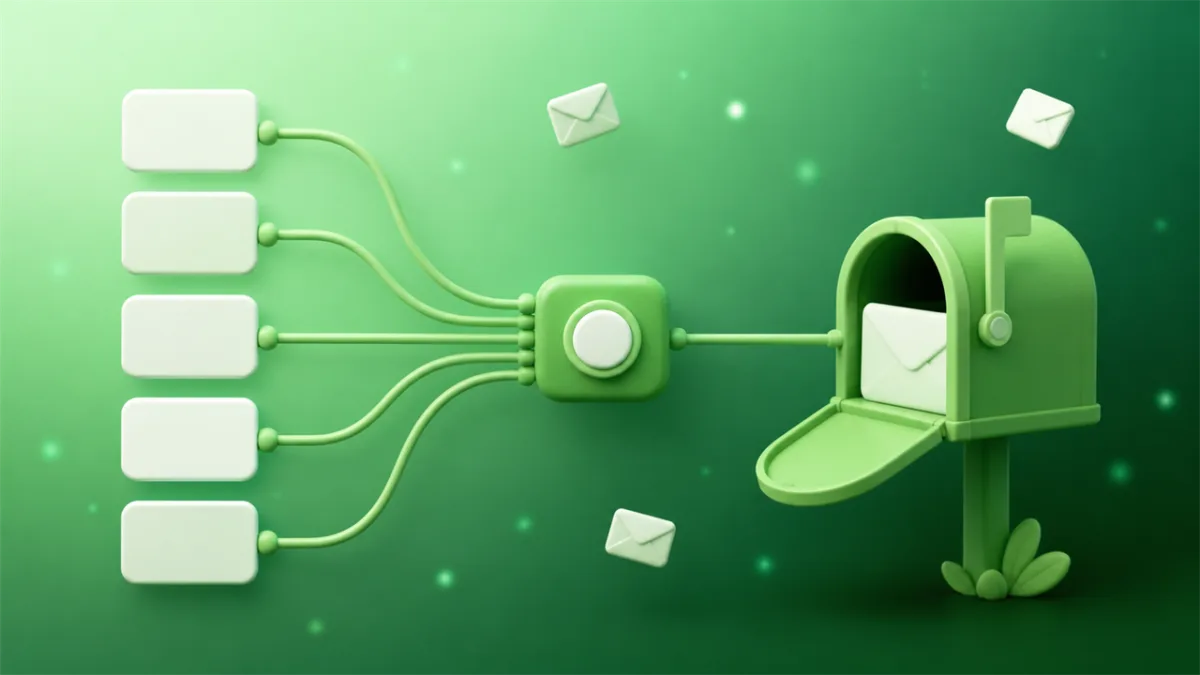
Email masking gives you a random address that forwards mail to your real inbox while keeping your real address hidden from whoever you handed it to. Apple, Mozilla, DuckDuckGo, Proton, and most password managers now ship some version of it, usually free or close to it.
The mechanism takes a paragraph to explain. What the vendor pages leave out is the part that decides whether you should use it: every mask you create is a small permanent object you now own, and all of them still end up in the same inbox. That's fine for mail you want. It's the wrong tool for the pile of signups you don't.
How email masking actually works
A mask has no mailbox behind it. That's the whole mechanism, and it explains nearly everything people find surprising about it.
When you mint [email protected] and hand it to a store, the store's mail hits DuckDuckGo's server, which looks up a routing rule and passes the message along to your real address. Nothing is stored at the mask. Turn the mask off and there's no mailbox to empty, because there never was one: the rule stops existing and future mail bounces.
Replies work by encoding the original sender into the return path. Your response goes back out through the relay, and the recipient sees the mask. Your real address never appears in the headers they get.
Which leads to the defining property. A mask changes who knows your address. It doesn't change where the mail lands. Every message to every mask you've ever created arrives in the same personal inbox you were trying to protect. Masking is a disguise, not a filter.
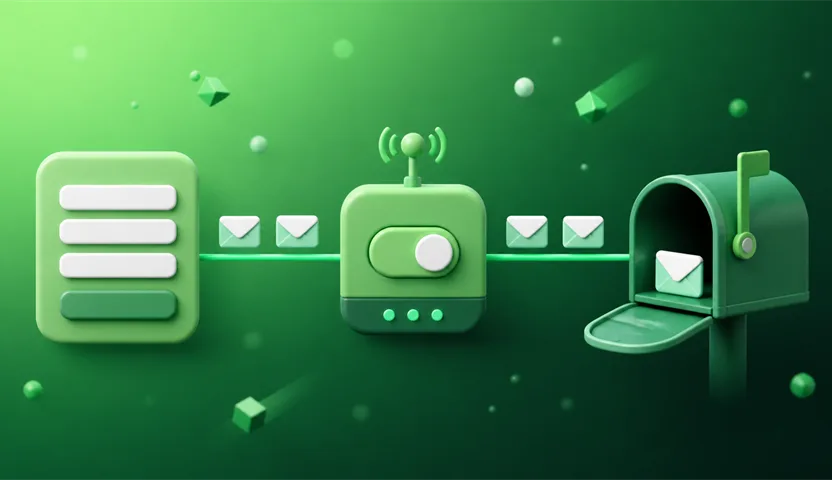
The masking services worth knowing
The category consolidated fast, and most people already have access to one of these without signing up for anything new.
- DuckDuckGo Email Protection is free, generates unlimited private addresses on demand, and strips hidden trackers out of messages before forwarding them. You get one personal
@duck.comaddress plus unlimited generated ones, and you need a DuckDuckGo account and nothing else. If masking is genuinely what you need, start here. - Firefox Relay gives you 5 masks on the free tier. Unlimited masks, replying from a mask, and promotional-email blocking are all Premium. Five is enough to try the habit and not enough to live on.
- Apple Hide My Email requires a paid iCloud+ subscription. Its real advantage is placement: it's wired into Sign in with Apple and Safari's signup autofill, so it shows up at the exact moment you'd otherwise type your real address.
- SimpleLogin, addy.io, and Proton Pass are the power-user end. Custom domains, per-mask rules, and self-hosting in addy.io's case.
- 1Password, Bitwarden, and NordPass generate masks from inside the password manager. 1Password does it through Fastmail, and Bitwarden's generator can hook into several masking providers. If you already use one of these, it's the lowest-friction option you have.
Tracker stripping is the feature worth optimizing for here. Princeton researchers measuring email tracking found that about 30% of emails leak your address to third parties the moment you open them, usually through a pixel embedded in the message. A mask hides your address from the sender and does nothing about that pixel unless the service strips it, and DuckDuckGo is the only one on that list stripping trackers by default on a free tier.
What email masking is genuinely good at
Naming the leaker. Give every service its own mask and the address itself tells you who sold you out. When dentist@ starts getting crypto pitches, that isn't a suspicion, it's a receipt. The wider mechanics are in how spammers get your email address.
Cutting off one sender with no collateral damage. Kill the mask and the spam has nowhere to land, while every other account you own keeps working.
Keeping mail you actually want. This is the real dividing line, and it's the reason masking exists. A mask forwards into a mailbox you check daily, so it works for anything you need to receive months from now: order confirmations, password resets, subscription notices, the two newsletters you genuinely read.
Replying without exposing yourself. Most masking services let you answer through the mask, so the recipient still only ever sees the mask. Firefox Relay charges for this one.
Where email masking falls short
The volume still arrives. Mask 40 newsletter signups and you receive 40 newsletters. You've protected your address and done nothing at all about your inbox. People adopt masking expecting less mail and get exactly the same amount, with better labels on it.
Every mask is a permanent object. You've created a routing rule that lives until you delete it. Do one per signup for a year and you have a few hundred rules and no memory of which ones matter. Masks don't expire on their own, which is the feature and the maintenance bill in the same sentence.
Masks get blocked too. The relay domains are well known, and plenty of signup forms reject @duck.com and @mozmail.com exactly the way they reject disposable domains. A mask on your own custom domain dodges this and costs money. We went into why those blocklists exist in why websites block temporary email addresses.
You've added a company to the chain. Every message to every mask passes through the forwarder before it reaches you, and the forwarder can read it. You didn't remove a middleman, you picked a different one. That dependency compounds: if the service shuts down or you stop paying, every account riding on those masks loses its recovery path at once.
Masking is not anonymity. The mask hides your address from the sender. It hides nothing from your email provider, and it does nothing about the real name, phone number, and card you typed into the same form. If your goal is that the mail never touches your personal mailbox, a mask is the wrong shape of tool, because by design it always does.
When a temporary inbox beats a mask
Look at what you actually hand an address to in a normal month: a gated PDF, a forum you'll post in once, a trial you'll probably abandon, a store you're buying from one time, an airport wifi portal. None of that needs to reach you next year. Building a permanent forwarding rule for a verification code with a four-minute lifespan means doing setup now and cleanup later, for nothing.
SecondInbox removes both ends of that. You open the page and the address is already waiting: no account, no provider to sign up with, no mask to name and file away. You read the confirmation in a full inbox view in the browser, HTML and attachments included, and then you close the tab. The inbox deletes itself when it expires, and the mail and attachments go with it, off the server for good. There's no rule to prune later because nothing persistent was created, and the message never reaches your personal mailbox at all. If a verification email is slow, one click extends the inbox instead of costing you the window.
That last difference is the one masking structurally can't match. A mask relocates mail. A temporary inbox ends it.
How I'd split the three tiers:
- Temporary inbox for anything you won't log back into: downloads, free trials, one-off purchases, forum lurking, newsletters you're sampling.
- Mask for accounts you'll return to but want a kill switch on: subscriptions, shopping accounts, most SaaS.
- Real address for the handful you can't afford to lose. Bank, healthcare, work.
Being straight about the limit on that first tier: some sites block disposable domains, and a temporary address is the wrong call for anything with a password-reset flow you might need in six months. That's the masking tradeoff running in reverse.
If "masking" was the word you searched but "throwaway" is closer to what you meant, what is a burner email is a better starting point. For more depth on the forwarding side, see what is an email alias and temporary email vs alias forwarding.
Practically, yes. A masked address is a type of alias, where "masked" emphasizes the privacy job and "alias" emphasizes the mechanism. The one difference in common usage is that masks are randomly generated by a service, while aliases are often labels you pick yourself.
Partly. DuckDuckGo Email Protection is free with unlimited addresses, Firefox Relay includes 5 masks free, and Apple's Hide My Email needs a paid iCloud+ plan. Custom domains and unlimited masks are generally paid across the whole category.
It doesn't reduce the mail you receive, because every mask forwards into your real inbox. What it gives you is a kill switch: delete the mask and that sender's mail stops for good, without affecting anything else you own. If you want the mail to never arrive in the first place, that's a job for a disposable inbox like <a href="https://secondinbox.com">SecondInbox</a>, not a mask.
Yes. Domains like <code class="inline-code">duck.com</code> and <code class="inline-code">mozmail.com</code> are well known, and some signup forms reject them outright, the same way they reject disposable domains. A mask on your own custom domain usually gets through.
No, that's a separate field. In data engineering, masking an email means obscuring it inside a dataset (<code class="inline-code">j***@example.com</code>) so developers can work with realistic test data without handling real personal information. This article is about the consumer privacy tool.
The take
Masking is the correct default for mail you want to keep receiving, and it's oversold for everything else. The vendor pages sell it as spam protection. It isn't: it's address protection with a kill switch attached, which is a genuinely useful thing and a different thing.
The mistake is routing every signup through one tool. Most of what you hand an address to in a given month is disposable, and treating it as disposable at the moment of signup costs a couple of seconds and saves you a routing rule you'd be deleting two years from now. Sort it once, at the point of entry: mask the senders you want to hear from again, and give everything else a SecondInbox address that deletes itself.
Keep reading
How to Block Spam Emails on Android (2026 Guide)
Android has no phone-wide email block list, so your blocks live in each app separately. How to block spam emails on Android in Gmail, Samsung Email and Outlook.
How to Make a Burner Email That Survives the Signup
Making a burner email takes ten seconds. Making one that survives a slow verification email is the part guides skip. Here's how to do both properly.