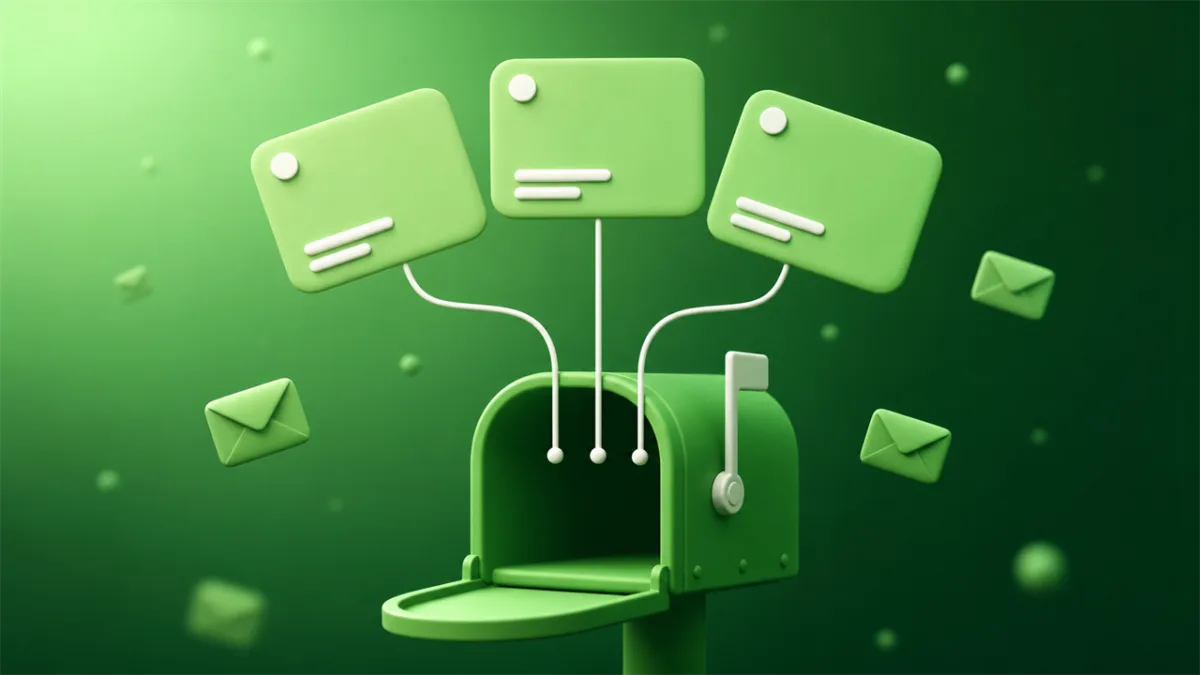
An email alias is a second address that delivers to a mailbox you already own. Mail sent to the alias lands in your normal inbox. There's no separate login, no second set of folders, and no new mailbox sitting on a server somewhere. The alias is a label on the front of a door you already have the key to.
That definition is the easy part. The confusing part is that three genuinely different setups all get called an "email alias," they behave differently, and most guides only describe whichever one their own product sells.
The three things called an email alias
A second address on the same account
This is the one Microsoft, Apple, and Google Workspace mean. You add an extra address to your existing account, and it shares everything with the original: same inbox, same contacts, same password. Microsoft's own documentation is explicit that you can sign in to Outlook.com with any alias on the account, because they all point at one login.
Apple caps iCloud Mail aliases at three, and there's a catch worth knowing before you start: delete one and you wait seven days before you can create a replacement. So iCloud aliases are not something you burn through casually. Three is your budget, roughly forever.
The business version of this is info@, support@, and sales@ all dropping into one person's inbox. Same mechanism, different motive.
Plus-addressing
Gmail's version. You append +something to your address, and [email protected] arrives at [email protected] with no setup at all. Google documents this as an alias, and for filtering purposes it works well.
For privacy it's weak. The address contains your real address in plain sight, and stripping the +netflix part takes one line of code. Any data broker that wants to normalize your address already does. Use plus-addressing to sort your mail, not to hide it.
Worth knowing: personal Gmail accounts can't create real aliases at all. Dots don't count either, since Google treats [email protected] and [email protected] as the same address. Plus-addressing is what you get.
A masked forwarder
The privacy tools: SimpleLogin, addy.io, Apple's Hide My Email, Firefox Relay, Proton Pass aliases. You mint a fresh random address per site, it forwards to your real inbox, and you can usually reply through it so the sender never sees your real address.
This is the strongest of the three for privacy, and it's the only one built for volume. Firefox Relay's free tier jumped from 5 masks to 50 in late May 2026, which makes one-alias-per-signup realistic without paying for anything.
The tradeoff is that you've added a company to the chain. Every message to those aliases passes through the forwarder before it reaches you, and the forwarder can read it. You're not removing a middleman, you're choosing a different one.
How an email alias actually works
An alias has no storage. That's the whole mechanism, and it explains most of the behavior people find surprising.
When mail arrives for [email protected], the receiving server checks a routing table, finds the rule that says "send this to [email protected]," and passes it along. Nothing is stored at the alias. Delete the alias and there's no mailbox to empty, because there never was one. The rule just stops existing and future mail bounces.
This is why an alias is instant to create and instant to kill. It's also why an alias can't work on its own: it needs a real, functioning mailbox underneath it. No account, no alias.
What aliases are genuinely good at
Cutting off one sender without collateral damage. A store sells your address to a marketing list. You delete that one alias. Every other account you own keeps working, and the spam has nowhere to land. Try that with your real address and you're stuck filtering forever.
Finding the leak. Give each service its own alias and the alias itself tells you who leaked. If mail addressed to [email protected] starts pitching crypto, you know precisely which company sold you out. That's not a guess, it's evidence.
Keeping mail you actually want. This is the real dividing line. An alias forwards to a mailbox you check, so it works for things you want to keep receiving: order confirmations, password resets, the two newsletters you actually read. Anything with a "forgot password" flow you might click in six months belongs on an alias, not on something disposable.
Sending as a different address. Most alias systems let you reply through the alias, so the recipient never learns your real address.
Where email aliases fall down
They're a permanent to-do list. Every alias you create is a small object you now own and will eventually have to prune. Mint one per signup for a year and you've got a few hundred routing rules and no memory of which ones matter. Aliases don't expire on their own, and that's the cost of them not expiring on their own.
The alias is only as private as the mailbox behind it. An alias hides your address from the sender. It doesn't hide anything from your email provider, and it doesn't unlink the account from you, because the mail still lands in your named personal inbox. If your goal is that the mail never touches your real mailbox, an alias is the wrong shape of tool.
Provider lock-in gets worse over time. Aliases only forward while the alias service is running. If it shuts down or you stop paying, every address pointing at it goes dark at once, along with the recovery path for every account riding on those addresses. The longer you use one provider, the more expensive leaving becomes.
Some signups reject them. Financial services and a few high-trust platforms block the big alias domains at signup. It's less common than the blocking that hits disposable domains, but it happens, and the lists keep moving. We went into why those blocklists exist in why websites block temporary email addresses.
One specific thing breaks soon. A lot of people's homemade "alias" setup is really Gmail's Send As, pointed at an old Yahoo or Outlook address. Google's support page says that starting January 2027, Gmail will stop supporting Send As for third-party addresses. Workspace aliases and other Gmail addresses you own aren't affected. If you've been sending from an old address that way, you have until then to move it.
When you want a temporary inbox instead
Aliases are built for mail you keep. Most signups aren't that.
Think about what you actually hand your address to in a given month: a gated PDF, a forum you'll post in once, a free trial you might abandon, a store you're buying from exactly one time. None of those need to reach you next year. Creating a permanent forwarding rule for a one-time verification code means doing setup now and cleanup later, for an address whose entire job lasts four minutes.
A temporary inbox skips both ends of that. You get an address instantly with no account, catch the confirmation email, and walk away. It deletes itself. There's no rule to prune later because nothing persistent was created, and the mail never touched your real mailbox at all.
The split I'd actually recommend:
- Temporary inbox for anything you won't log back into: downloads, trials, one-off purchases, forum lurking, newsletter signups you're sampling.
- Alias for accounts you'll return to but want to be able to cut off: subscriptions, shopping accounts, most SaaS.
- Real address for the few things you can't afford to lose. Bank, healthcare, work.
If you want the longer version of that first comparison, we wrote it up in temporary email vs alias forwarding. And if "alias" was the word you reached for but "throwaway" is closer to what you meant, what is a burner email is the better starting point.
No. A second account has its own mailbox, storage, and login. An alias has none of those: it's a routing rule that drops mail into a mailbox you already have.
Usually yes. Outlook.com, iCloud, and the masked-forwarder services all support sending or replying through an alias, with your real address hidden from the recipient.
Personal Gmail accounts don't support true aliases. You get plus-addressing (<code class="inline-code">[email protected]</code>), which is good for filtering and weak for privacy since your real address is visible in it. Google Workspace accounts do support real aliases.
The built-in kind is free with your account, though the caps are low: iCloud allows three. Masked forwarders have free tiers, and Firefox Relay raised its free limit to 50 masks in May 2026. Custom domains and unlimited aliases are generally paid.
Not on its own. An alias protects addresses you haven't handed out yet. Mail already flowing to your real address keeps flowing, because the sender has the real one. Aliases are a habit you start going forward, not a cleanup tool.
The take
An email alias is a second address on a mailbox you own and keep. That last part decides everything. It makes aliases the right call for accounts you'll come back to, and the wrong call for the pile of one-time signups that make up most of what anyone actually gives an email address to.
The mistake worth avoiding is running everything through one tool. Aliases for the keepers, a disposable inbox for the throwaways, your real address for the handful of accounts that genuinely need it. Sorting each signup into the right tier the first time costs you a couple of seconds and saves you the cleanup.
Keep reading
How to Block Spam Emails on iPhone (iOS 26 Guide)
Blocking a sender on iPhone often leaves the mail in your inbox. How to block spam emails on iPhone properly, plus the iOS 26 setting to change first.
How to Block Spam Emails on Yahoo Mail (2026 Guide)
Yahoo deletes blocked mail silently, with no bounce and no copy for you. How to block spam emails on Yahoo properly, plus the free way to block a whole domain.