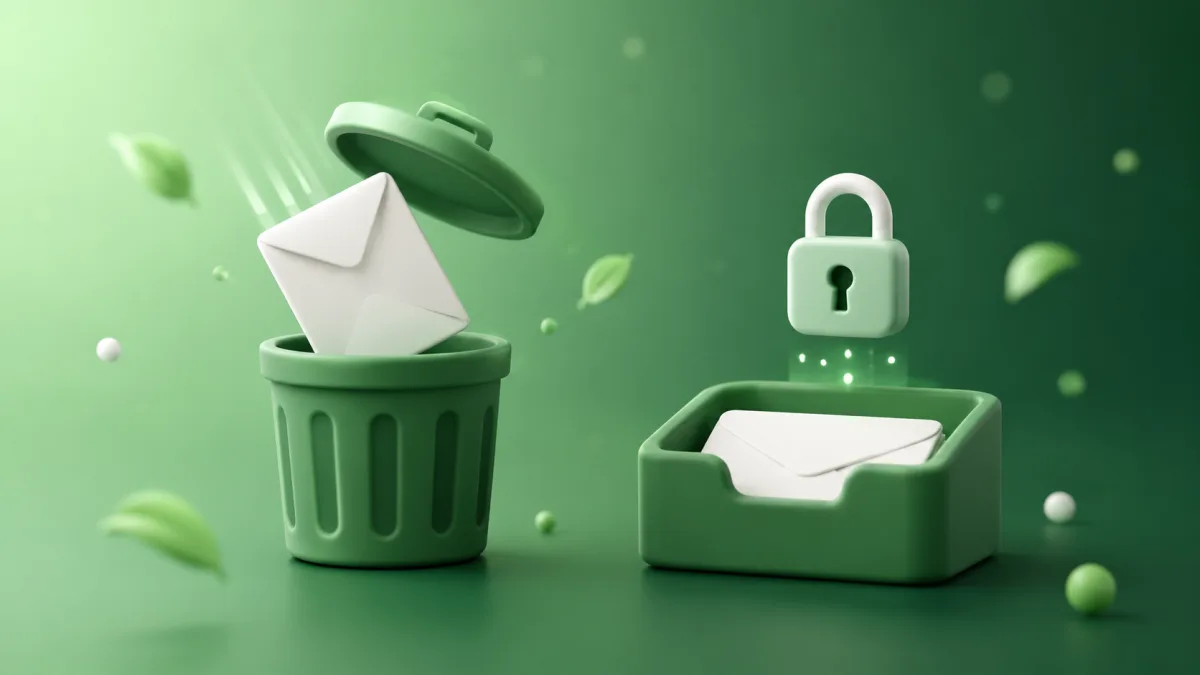
What a disposable email address is
A disposable email address is a temporary inbox you use in place of your real one, then throw away. You generate it in seconds, hand it to whatever site is asking for an email, catch the verification message, and let it expire. If it starts pulling in spam, that spam lands in the throwaway inbox instead of the one you actually read.
That's the whole idea. Your real address stays off the list. The disposable one absorbs the fallout.
People also call these throwaway email, temp mail, burner email, or anonymous email. The names differ, the job is the same: a stand-in address for signups you don't want tied to your primary inbox.
How a disposable email actually works
You open a temp-email service, and it hands you an address on the spot. Something like [email protected]. No name, no password, no signup. The inbox exists on the provider's servers, and any mail sent to that address shows up in a web view you can read right there.
Most of these inboxes are receive-only and short-lived. Expiry ranges from about 10 minutes on the fastest services to an hour or so on others. When the timer runs out, the address and everything in it get deleted from the provider's servers. On SecondInbox you can extend that window with one click if a verification email is taking its time, which happens more than you'd think.
The key detail: you never gave the site your real address, so when the marketing sequence kicks in two weeks later, it has nowhere to go.
The two things people call "disposable"
"Disposable email" gets used for two different setups, and they behave differently. Worth knowing which one you're reaching for.
Temporary inboxes. A fresh address on a shared domain, receive-only, auto-deleting. Temp Mail, Guerrilla Mail, and SecondInbox all work this way. You don't manage anything. You use the address, read the one email you needed, and walk away. Best for one-off signups where you'll never need to log back in.
Alias forwarding. A different model. Services like SimpleLogin and addy.io give you a unique alias per site that forwards to your real inbox. Mail keeps arriving in your normal email, but each sender only ever sees the alias. If one starts spamming, you kill that alias and the rest keep working. This is better when you want the address to last but still want to compartmentalize senders.
Neither is "the right one." They solve different problems. If you're deciding between them, we broke it down in temporary email vs alias forwarding.
When a disposable email is the right call
The pattern is always the same: you need an email to get past a form, but you don't want a relationship with the sender. Some concrete cases where that fits.
- Free trials. Sign up, use the trial, skip the "your trial is ending" sequence entirely. More on this in our guide to temp email for free trials.
- One-time downloads. The whitepaper or PDF gated behind an email form. Give it a throwaway address, grab the download, done.
- Newsletters you're sampling. Reading a newsletter before you commit to it in your real inbox. Here's how disposable email fits newsletter signups.
- Forum and community accounts. Places like Reddit or a niche forum where you want to read and post without your name attached.
- Testing signup flows. Developers spinning up dozens of test accounts don't want their work email in every one.
The common thread: these are all signups you don't need to recover later. That's the line that decides whether a disposable address is smart or a mistake.
Where disposable email falls short
Now the part most "what is disposable email" pages skip. These addresses have real limits, and pretending otherwise just leads to frustration.
Some sites block them outright. Google, Facebook, and plenty of banks keep lists of known disposable-email domains and reject signups from them. If a service is guarding against fake accounts, a temp address often won't get through. That's not a flaw in the tool, it's the tool working exactly as those sites expect.
You can't recover the account. Once the inbox expires, so does any password reset, order confirmation, or receipt sent to it. Use a disposable address for something you'll want to log back into, and you've locked yourself out.
Most are receive-only. You can read what comes in, but you usually can't reply from a temp address. For anything that needs a back-and-forth, it's the wrong tool.
The verification link can beat the clock. Some services take longer than a 10-minute window to send their confirmation email. Pick a service that lets you extend the inbox, or you'll be regenerating and starting over.
Knowing these upfront saves you the annoyance of finding out mid-signup. Disposable email is great for what it's for and useless outside of it.
Is a disposable email address safe and legal?
Yes on both counts, for normal use. Generating a throwaway address to keep your real inbox out of a marketing database is a legitimate privacy move, the same category as declining cookies or using a password manager.
Two honest caveats. First, "disposable" doesn't mean "untraceable." The provider can see connection data, and the sites you use it on still see whatever else you hand them. We got into the specifics in are disposable emails traceable. Second, fraud-prevention vendors flag disposable domains precisely because a minority of people abuse them for fake accounts and signup fraud. Using one to dodge spam is fine. Using one to farm accounts or evade a ban is the kind of thing that gets whole domains blocklisted, which is part of why some sites reject them.
It depends on the service. Expiry runs from about 10 minutes on the fastest ones to an hour or more elsewhere. Some, including SecondInbox, let you extend the inbox with one click when a verification email is slow.
Usually yes. Most temp-email services show incoming HTML emails and let you download attachments, then delete everything when the inbox expires.
Sometimes. Larger platforms like Google and Facebook check incoming addresses against lists of known disposable domains and may block signup. Smaller services usually don't check.
No. A disposable address is a real, working inbox that can actually receive mail. A "fake" email is an address that doesn't exist and bounces anything sent to it.
Not for the basic version. You land on the page and an address is ready. Signing up is optional, and only useful if you want to manage several addresses across sessions.
The short version
A disposable email address is a stand-in inbox for any signup you don't want touching your real email. Use it for trials, downloads, forums, and one-off verifications. Skip it for anything you'll need to recover or reply to. It won't get you past every signup wall, and it won't make you invisible, but for keeping your primary inbox clean it does exactly one job well.
If you want to try one right now, you don't need an account.
Keep reading

Temporary Email vs Alias Forwarding - Which Should You Use?
Aliases forward forever, temp inboxes self-destruct. They solve different problems. Here's how to pick, with honest tradeoffs and the cases each wins.
How to Make a Fake Email Address That Actually Works
A fake email that receives nothing is useless. Here's how to make a working fake email address for signups in seconds, plus when it won't work.