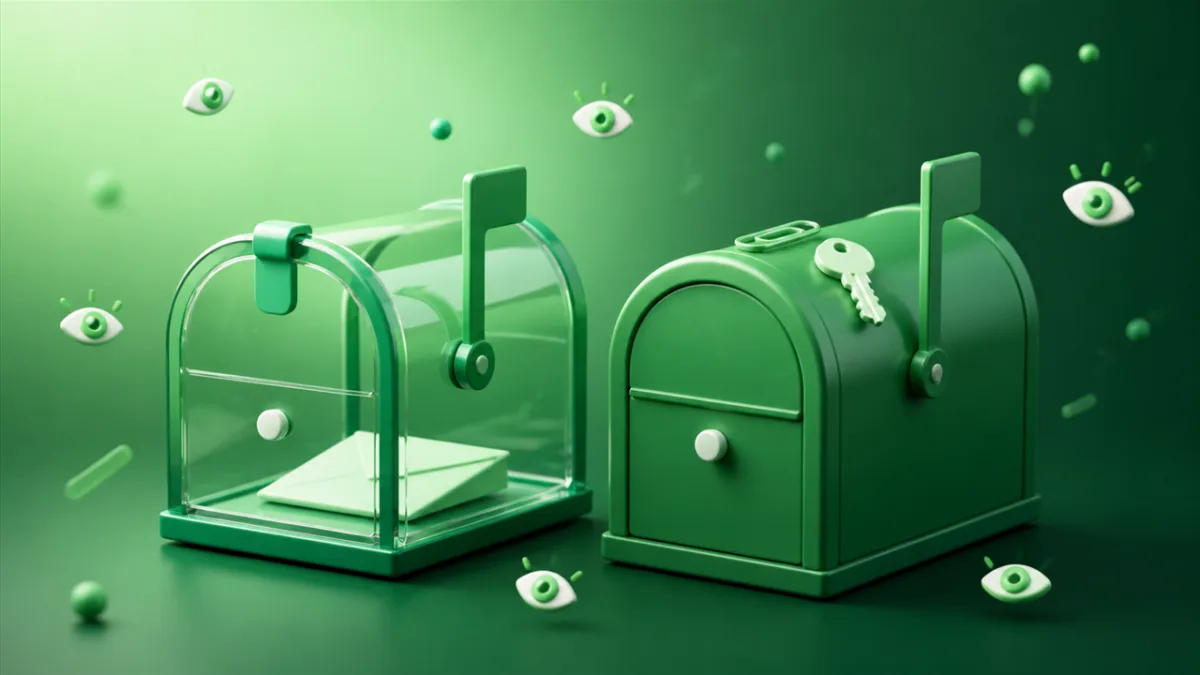
Maildrop tells you exactly what it is, on its own site, in bold: "Maildrop is designed for no security. Maildrop is designed for little to no privacy." The privacy policy is blunter still. "Any message sent to Maildrop can be read by any user. Every inbox on Maildrop is available to the public."
Credit where it's due. Most services in this category would bury that line. Maildrop puts it on the page it asks you to please read.
It's also a deliberate design, not an oversight. Maildrop started as an open-source take on Mailinator: invent any name in front of @maildrop.cc, come back to the site, type the name, read the inbox. There are no passwords because there's nothing to lock.
For throwaway signups where nothing sensitive ever arrives, that works fine. If a verification code, a password reset link, or an order receipt with a PDF attached is going to land in that inbox, the model stops matching what you need. Here's the comparison.
What Maildrop does well
Four things it genuinely gets right:
- The spam filtering is better than the category norm. Maildrop was built by Heluna, an anti-spam company, and it runs incoming mail through their filters. Connections are greylisted, sending servers are checked against network blacklists, From domains are validated against the servers that actually delivered the message, and repeated subject lines get caught. Maildrop says this cuts spam by more than 90%. For an inbox anyone in the world can write to, that's doing real work.
- You invent the address yourself. No random string assigned to you. Type whatever you want in front of
@maildrop.ccand the inbox exists the moment mail arrives. Maildrop also suggests a habit worth stealing regardless of which service you use: put the site's name in the address, so when spam starts, you know exactly who sold you out. - A documented GraphQL API with no key to manage. One endpoint, a published schema, rate limited to 50 queries per 10 seconds. If you're asserting against a signup email inside a test suite, that's a short path from nothing to working code.
- Free, with no paid tier at all. There's no premium plan waiting to interrupt you, no storage upgrade prompt, no seat count. What you see is the entire product.
Where Maildrop falls short
- Every inbox is public, and there's no version that isn't. This is the big one. Maildrop's policy says there are "by design - no security measures to sign into Maildrop and view email messages." The only thing standing between your inbox and a stranger is whether they guess the name you picked. And the naming habit Maildrop recommends, putting the site name in the address, makes that name easier to guess, not harder. If you registered as
[email protected], assume someone has already looked. It's the same structural choice made by Mailinator, the service Maildrop was modeled on. - The alias feature is obfuscation, not protection. Maildrop can hand you a hashed alias like
[email protected]that routes to your real inbox, described in the docs as "an additional layer of security." The privacy policy then undercuts it honestly: the algorithm "is public, and can be easily reverse engineered by a determined individual." Useful for hiding the address from a sender. Not useful for keeping strangers out of the inbox. - Attachments are deleted on arrival. "All attachments in messages are removed and discarded." Messages have to be plain text or HTML and under 500k. So the PDF invoice, the event ticket, the QR code your booking confirmation sent as an image file: none of it reaches you. You'll see the email, minus the thing you actually needed.
- Ten messages, 24 hours, sometimes less. An inbox holds at most 10 messages and starts dropping the oldest after that. Any inbox that hasn't received mail in 24 hours is wiped. And when Maildrop is busy, inboxes that haven't seen recent mail "may be cleared to make room for more active inboxes," so the 24 hours isn't a floor you can count on.
- Connections are logged. Maildrop logs all email and web connections and is upfront that it "is not designed to be completely anonymous." That's a reasonable operational choice and they say so clearly. It's still worth knowing if anonymity is why you're here.
How SecondInbox compares
On the axes that matter for choosing between them:
- Signup required - Maildrop: No · SecondInbox: No
- Inbox privacy - Maildrop: Public by design, readable by anyone · SecondInbox: Private to your session
- Attachments - Maildrop: Removed and discarded · SecondInbox: View and download
- Inbox lifetime - Maildrop: Cleared after 24 hours idle, sooner if busy · SecondInbox: 30 minutes by default, pick a length, one-click extend
- Send email - Maildrop: No · SecondInbox: No, receive only
- Developer API - Maildrop: GraphQL, documented, no key needed · SecondInbox: None today
- Paid tier - Maildrop: None · SecondInbox: None
The two services are answering different questions. Maildrop asks "how do I keep junk mail out of my real inbox," and it answers that well: a public bucket that spam mostly can't reach is a fine place to dump newsletter confirmations. SecondInbox asks "how do I receive something private without giving out my real address," which is a harder problem, and the answer has to include the inbox actually being yours.
That difference shows up most sharply with attachments and time. Maildrop's 500k plain-text-or-HTML rule exists because a public inbox that accepted files would become a file-sharing service overnight. It's a sensible defence, and it costs you the receipt. SecondInbox stores attachments and lets you download them, which only works because the inbox isn't public in the first place.
Time works differently too. Maildrop's inbox lives as long as mail keeps arriving and vanishes after a day of quiet, which means it can outlive what you wanted and still disappear before a slow sender gets around to you. SecondInbox runs a visible countdown from 30 minutes, you pick a different length when you create it, and Extend resets the clock to a fresh 30 minutes as many times as you like. You know where you stand.
When to stay with Maildrop
Don't switch if you're doing any of this:
- Wiring signup emails into an automated test suite. Maildrop's GraphQL API is built for it and SecondInbox has no equivalent. Our developer testing guide covers what a browser-based inbox can and can't do here.
- Generating mock user data where the addresses need to be real but nobody will ever read the mail.
- Signing up for newsletters and marketing lists where the content is public anyway and you just don't want it in your real inbox.
In all three cases the public-inbox model costs you nothing, and Maildrop's spam filtering is a real benefit.
When SecondInbox is the better fit
- Anything with a code or a link in it. Verification codes, password resets, magic links, account invites. On a public inbox, whoever finds the address first can use the link before you do. A private inbox removes the race.
- When the email carries a file. Order confirmations, tickets, invoices, boarding passes. Maildrop strips these; SecondInbox keeps them and lets you download them.
- When you need more than a few minutes but less than forever. Pick a lifetime when you create the inbox, watch the countdown, extend it if the sender is slow. No guessing whether a quiet inbox is about to be evicted.
- When you'd rather not have your reading logged more than necessary. SecondInbox holds an IP briefly for rate limiting and then discards it. No tracking cookies, and nothing sold on.
FAQ
Yes. Your inbox is tied to your browser session rather than to a public URL that anyone typing the right name can open. This isn't a criticism of Maildrop so much as a description of it: their own privacy policy says every inbox is available to the public and there are no security measures to sign in, by design.
Yes. Attachments are stored with the message and you can download them from the inbox. Maildrop removes and discards all attachments before delivery, so anything sent as a file never reaches you there.
Not today. If you're automating signup tests in CI and need to read a one-time code from code, Maildrop's API is genuinely the better tool and you should keep using it.
No, and neither service supports that. They're separate systems with separate domains. What you can do is generate a SecondInbox address for anything new, and let the old Maildrop inbox clear itself out after 24 idle hours.
Sometimes, yes. Large platforms keep lists of known disposable-email domains and SecondInbox can land on those lists the same way maildrop.cc has. It's a limitation of the whole category, not of one service. We wrote about <a href="https://secondinbox.com/blog/why-websites-block-temporary-email-addresses">why websites block temporary email addresses</a> if you want the detail. For smaller sites, forums, and most newsletter signups it's rarely an issue.